










Solo and freelance hairstylists
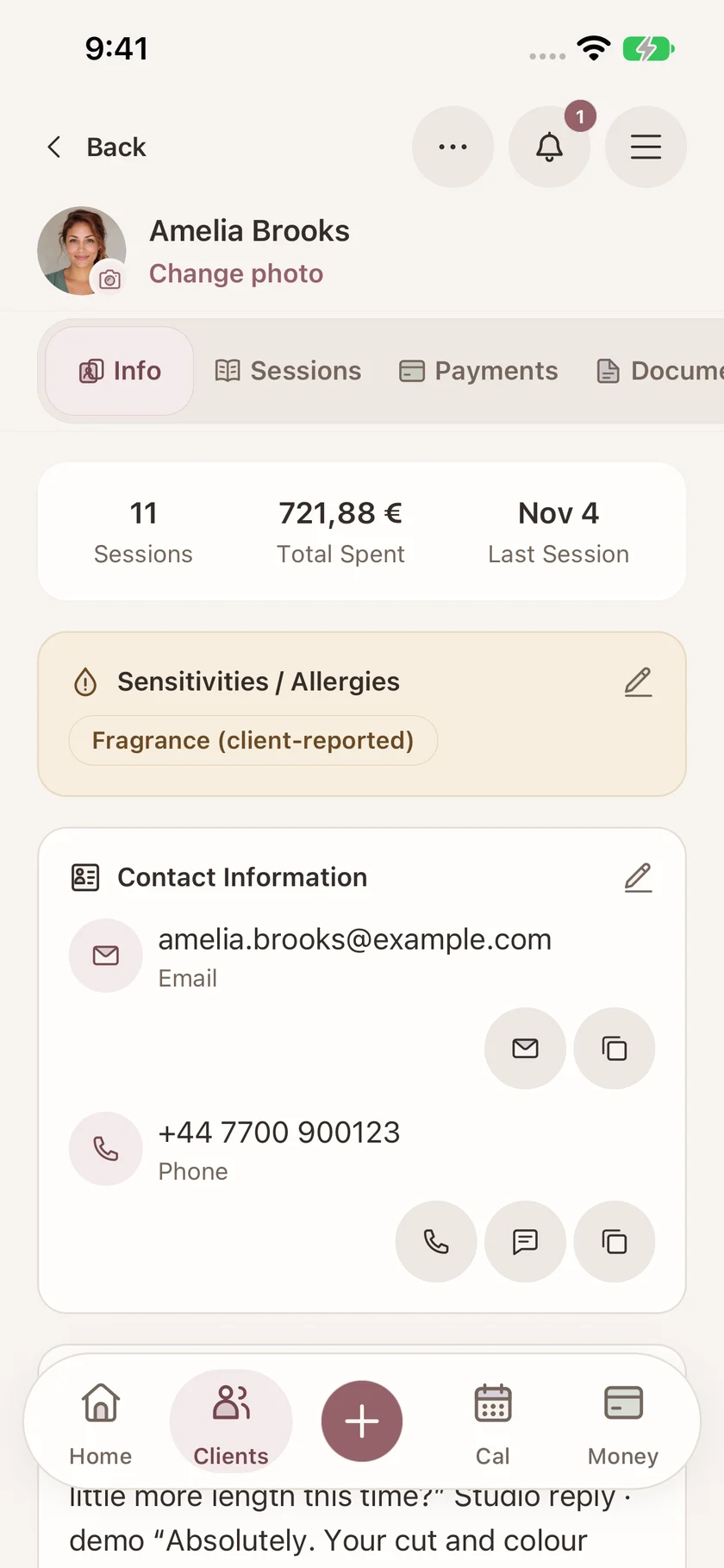
Keep color formulas, reported sensitivities and result photos with each client's visit. Open the previous record before mixing the next formula.
Manage appointments, online bookings and client payments in one place. Keep each cut, colour formula, photo and signed form with the client, whether you work independently or share a salon workspace.
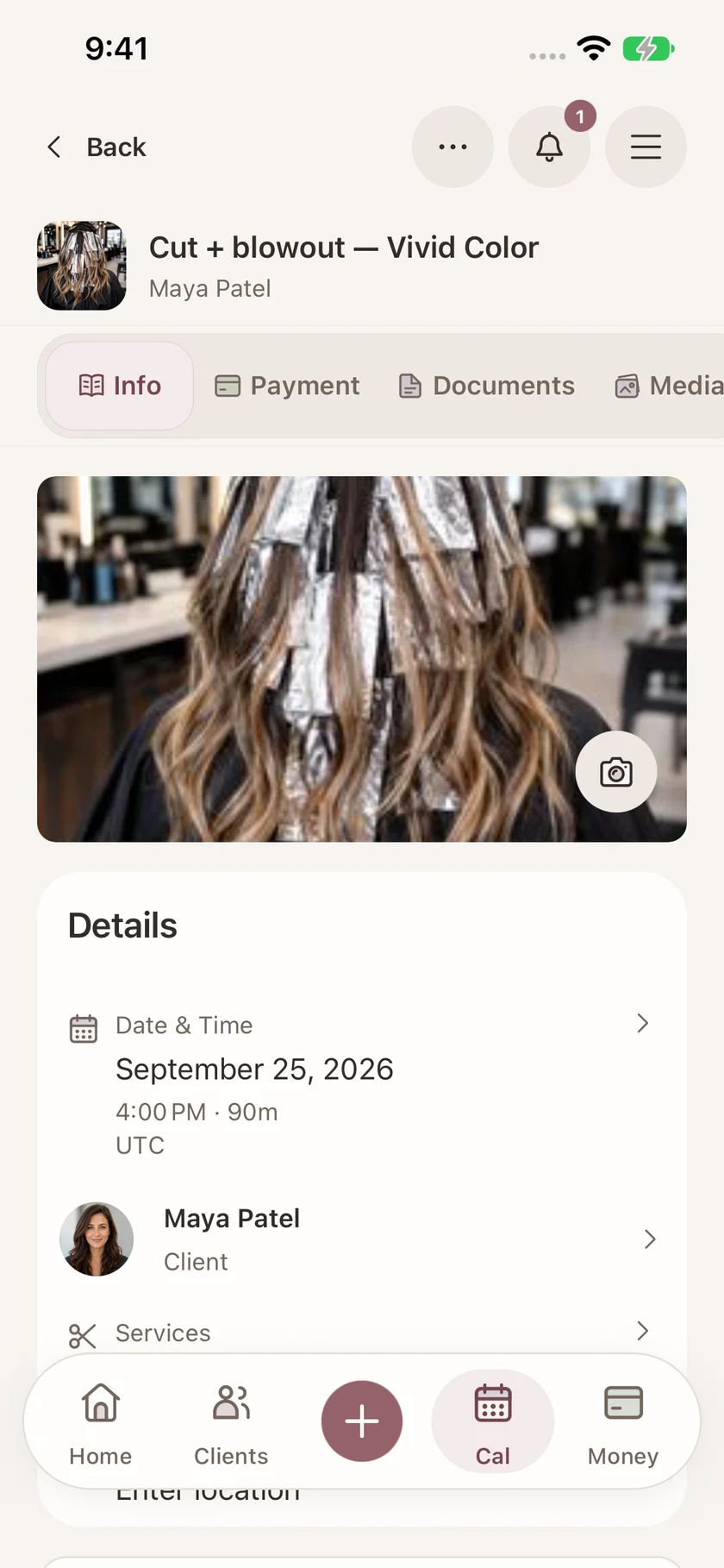
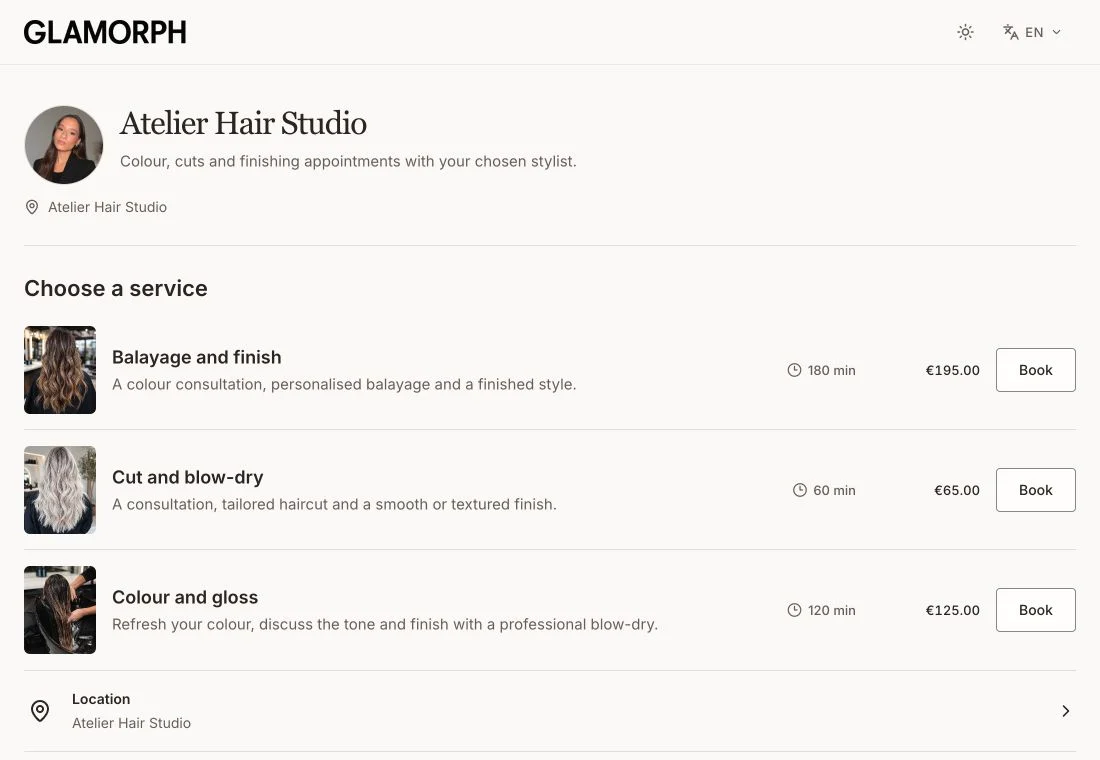
Let clients book services, variations and add-ons on your own booking page. Keep appointments, client history and payments connected, whether you work solo or with a team.
Plan appointments yourself or let clients book an available time online. Either way, the confirmed appointment joins the calendar and the client history you need before the service.

Move between daily, weekly and monthly views to prepare today, check capacity across the week or look ahead before offering a client another date.
Publish services, professionals and availability when you want self-service booking. Confirmed bookings appear beside the appointments you create yourself instead of living in a separate inbox.
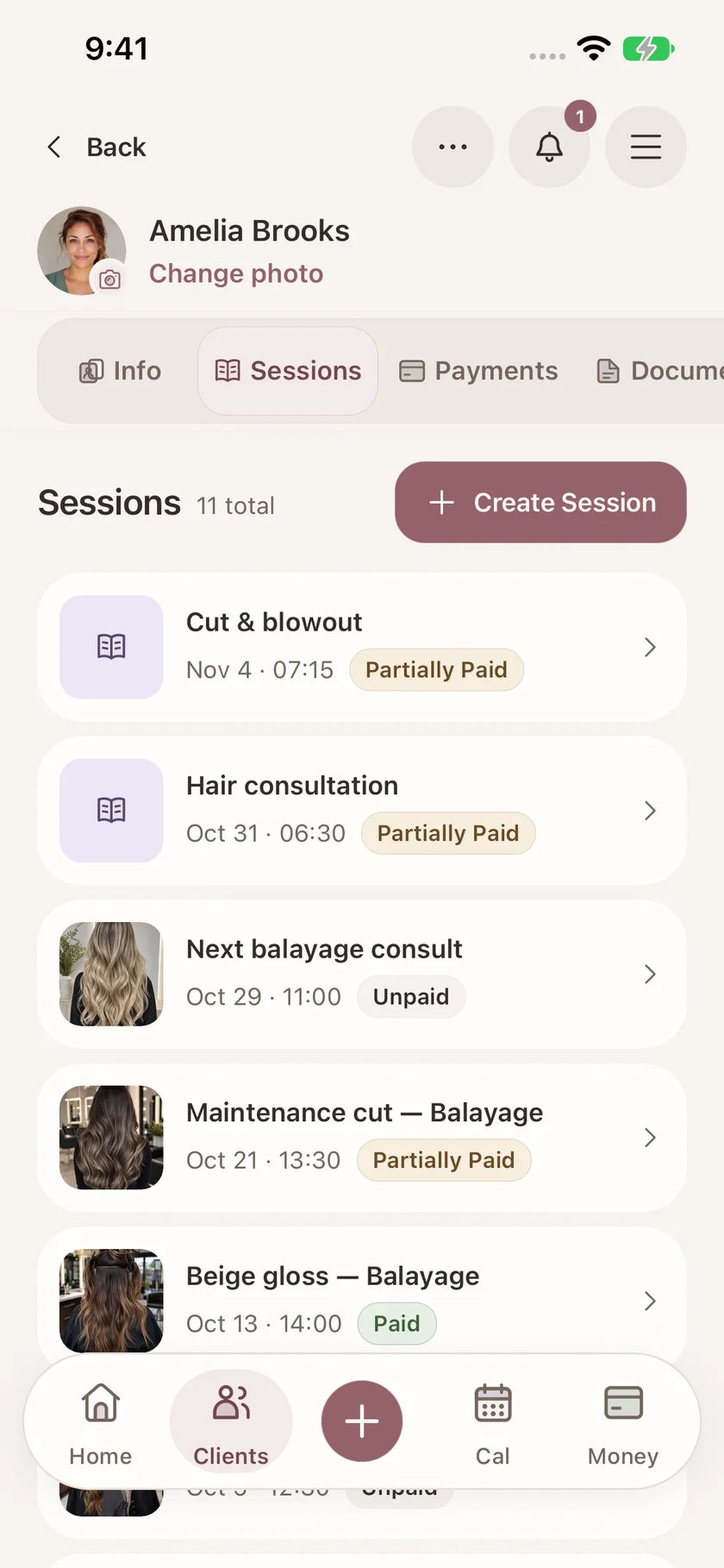
Open an appointment to reach the client's contact details, reported allergies or sensitivities, notes, photos and previous service history before the next visit begins.
Save shades, amounts, mixing ratios, developer and processing time in session notes. Keep the result photos with that visit for the next consultation.
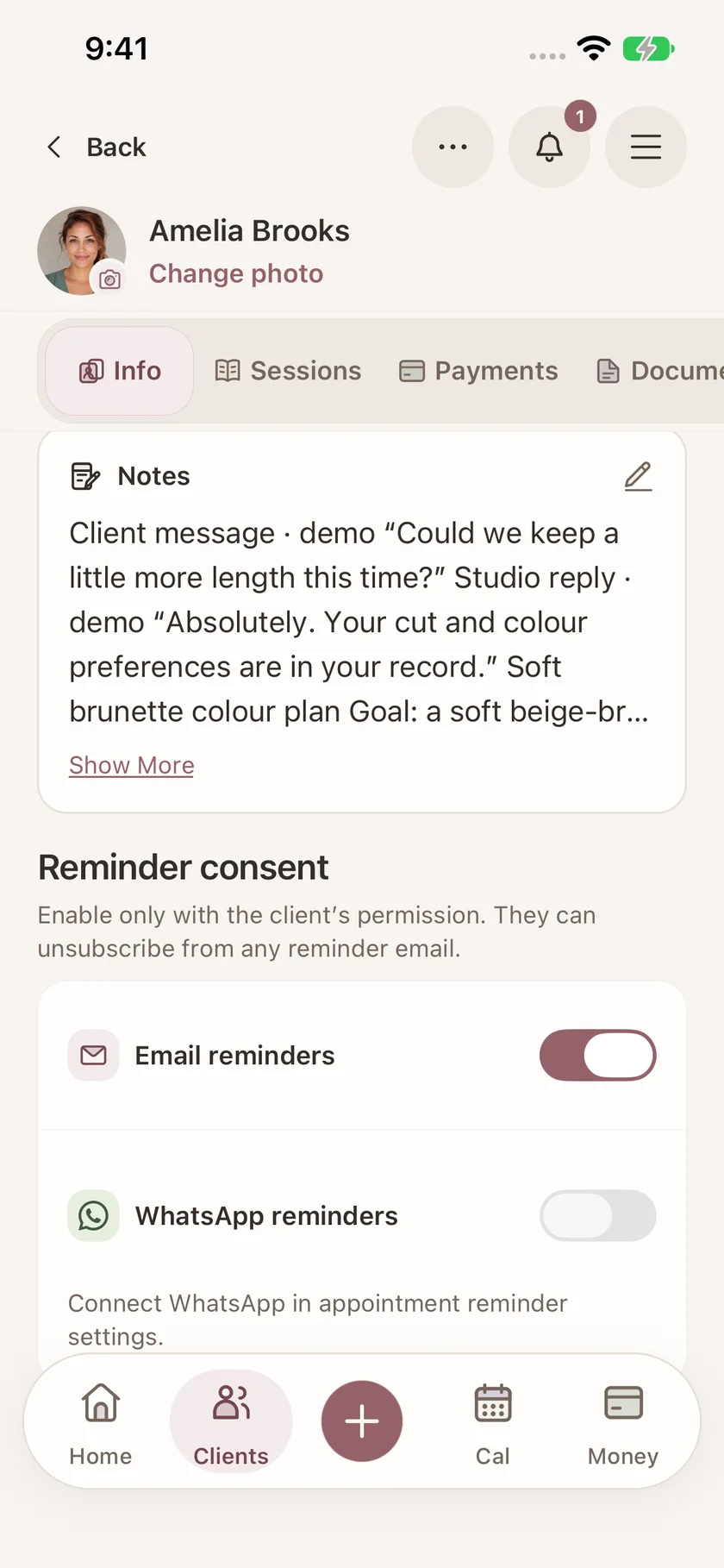
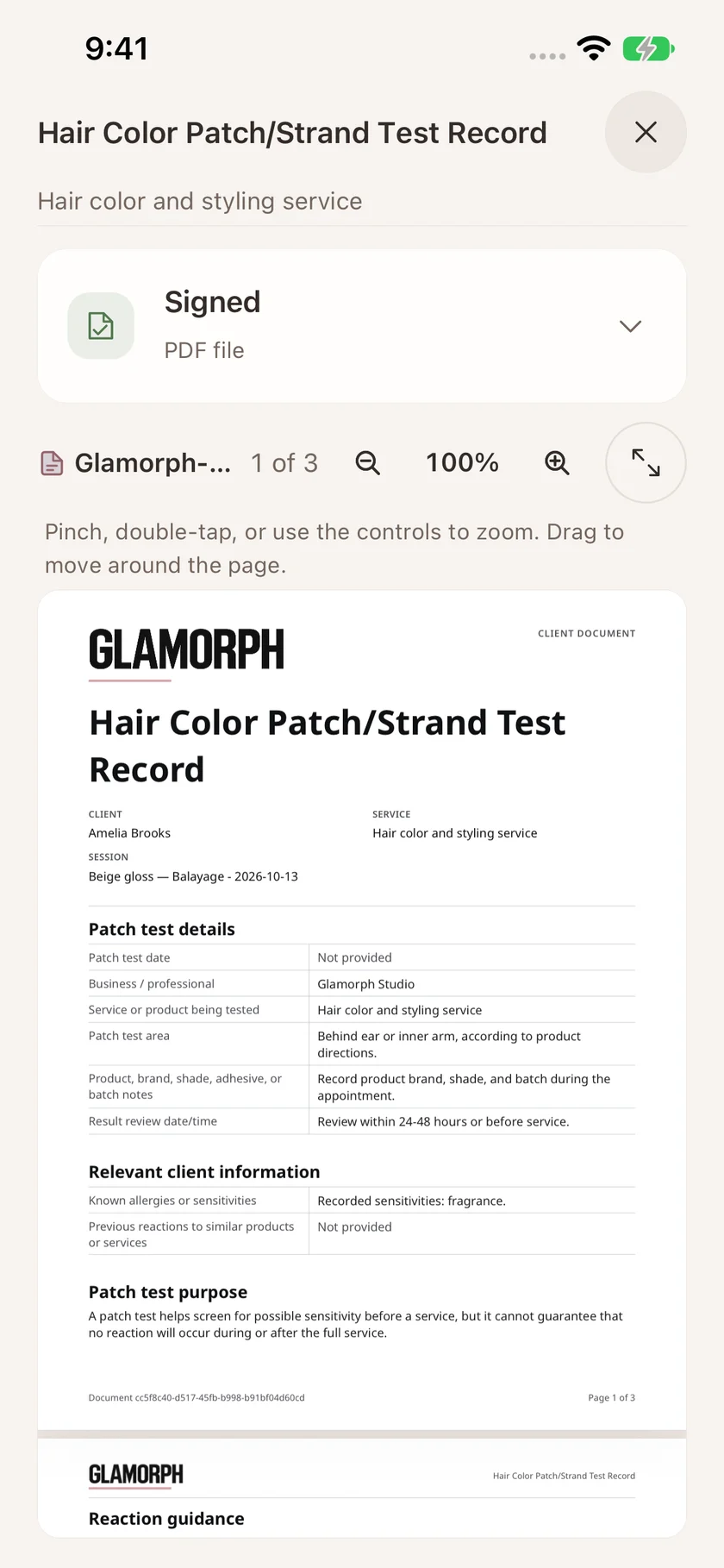
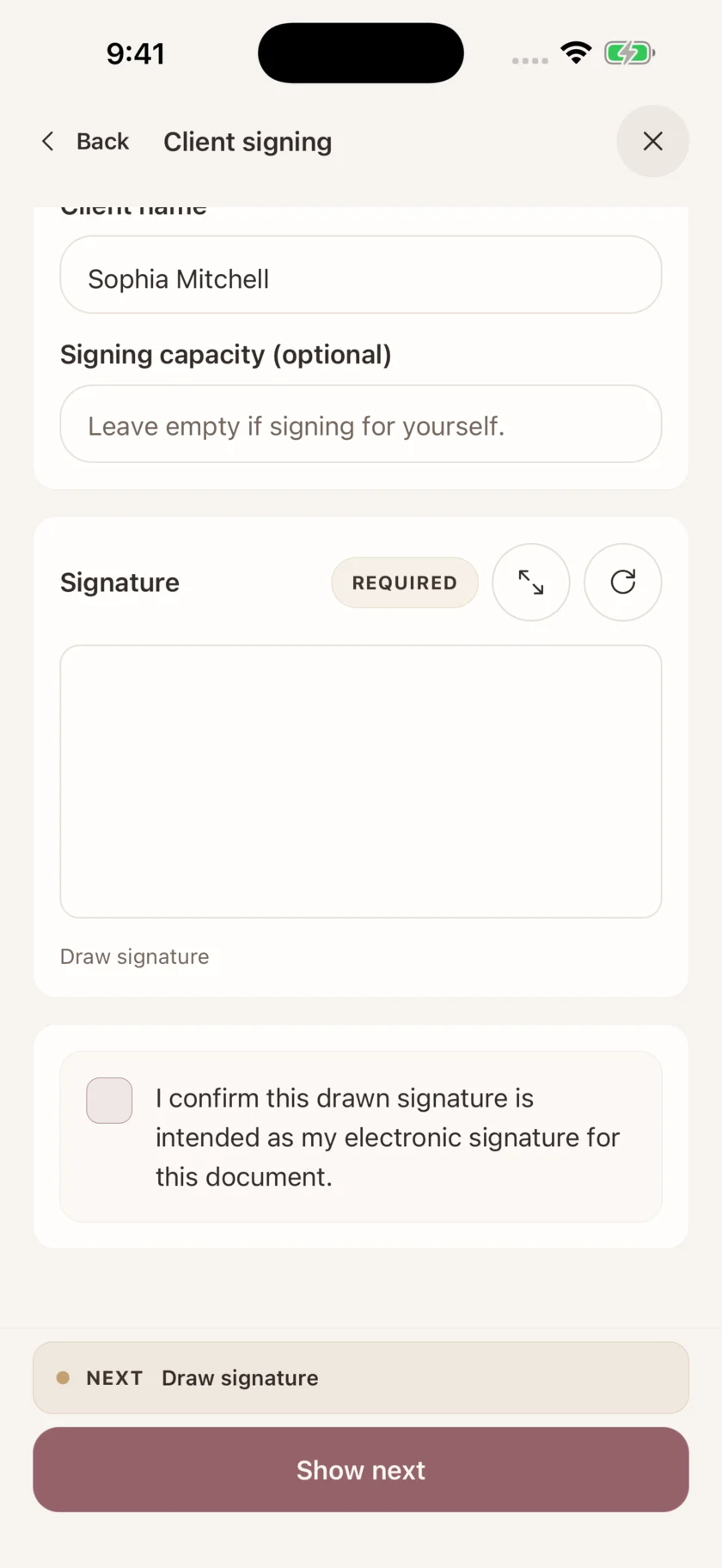
Create consultation forms, patch-test records, aftercare instructions and photo releases. Keep signed documents with the client's history, independently of online booking.
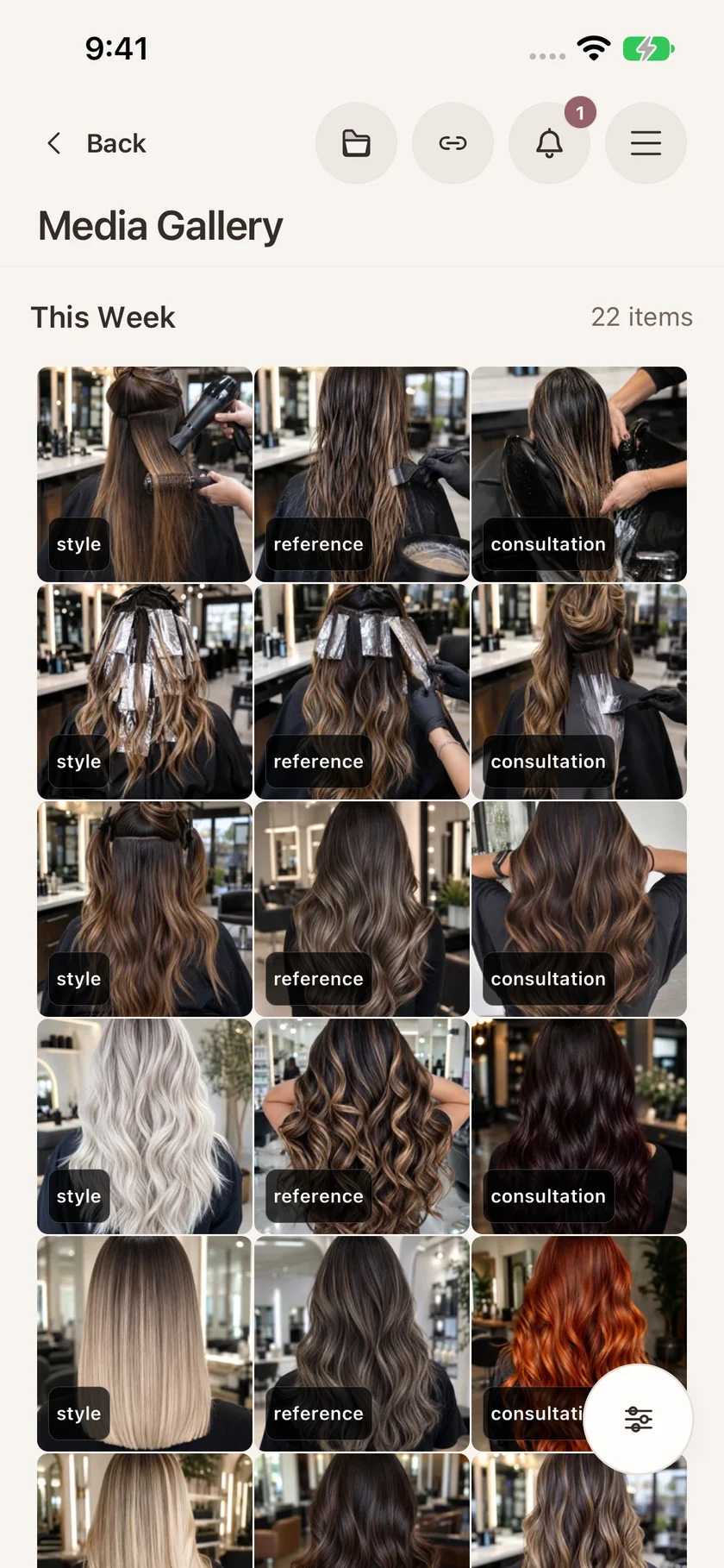
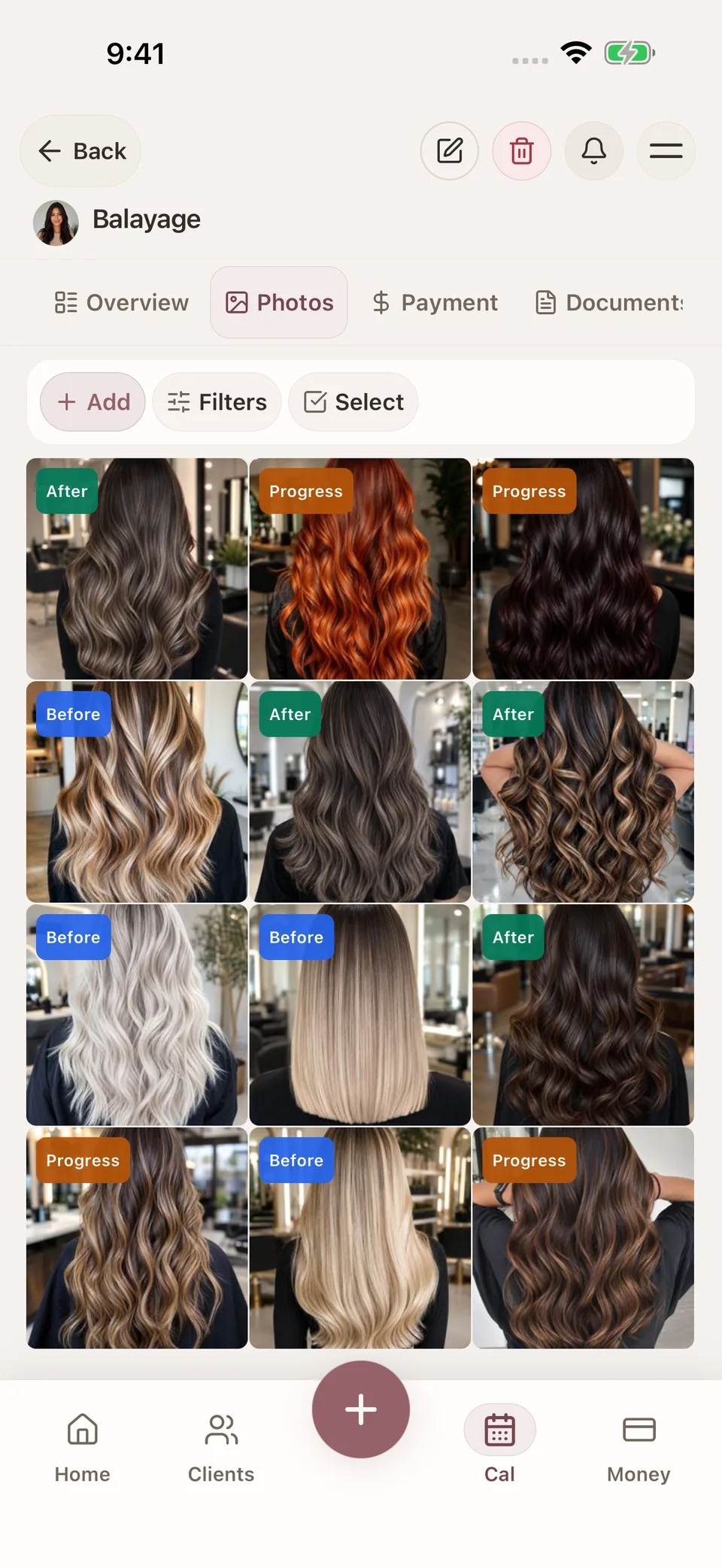
Keep before and after photos with each color service. Compare results over time and add selected photos to a shareable album when you want to show your work.
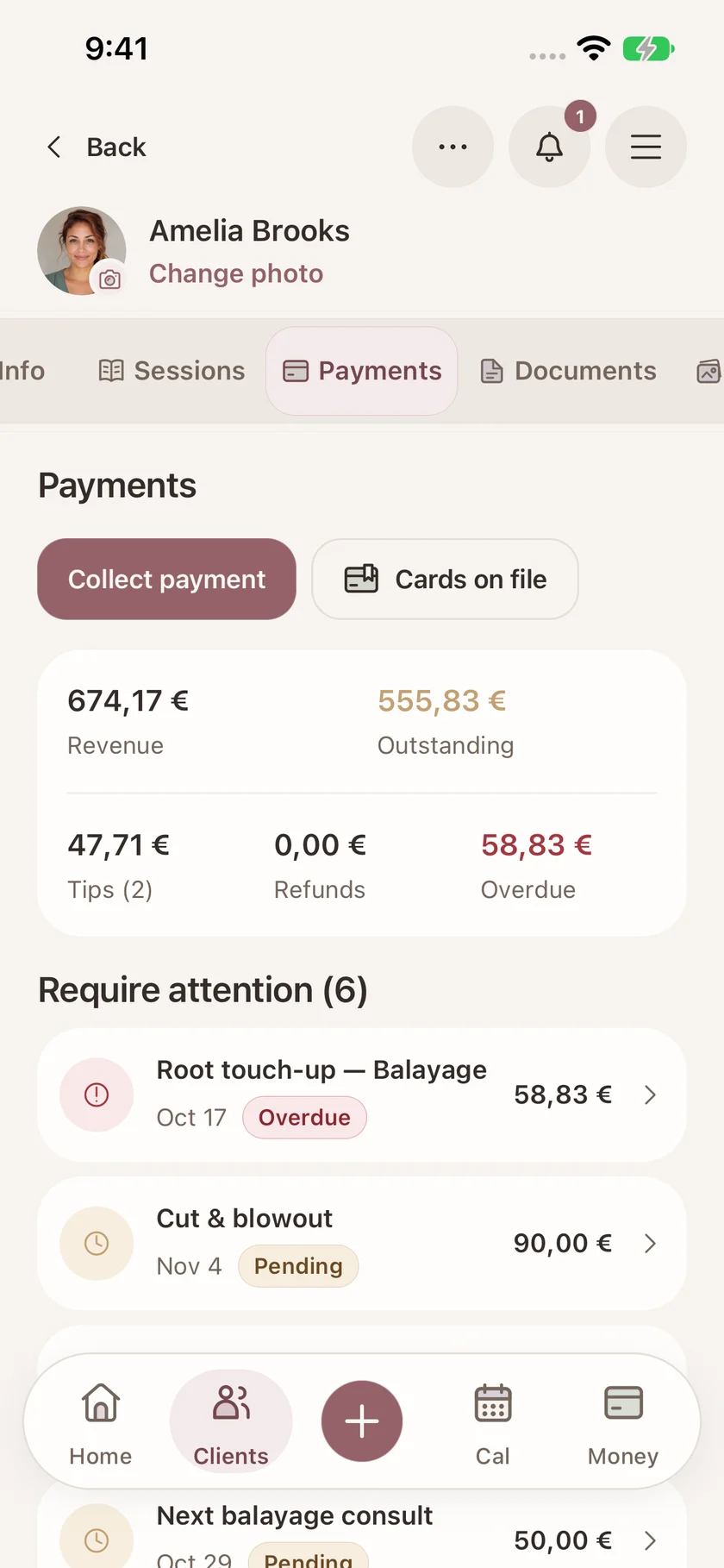
Collect by payment link, supported phone or connected terminal through Stripe, SumUp or Square. Available methods depend on your provider, business country and device. Keep confirmed payments with the client. Record cash or other payments separately.

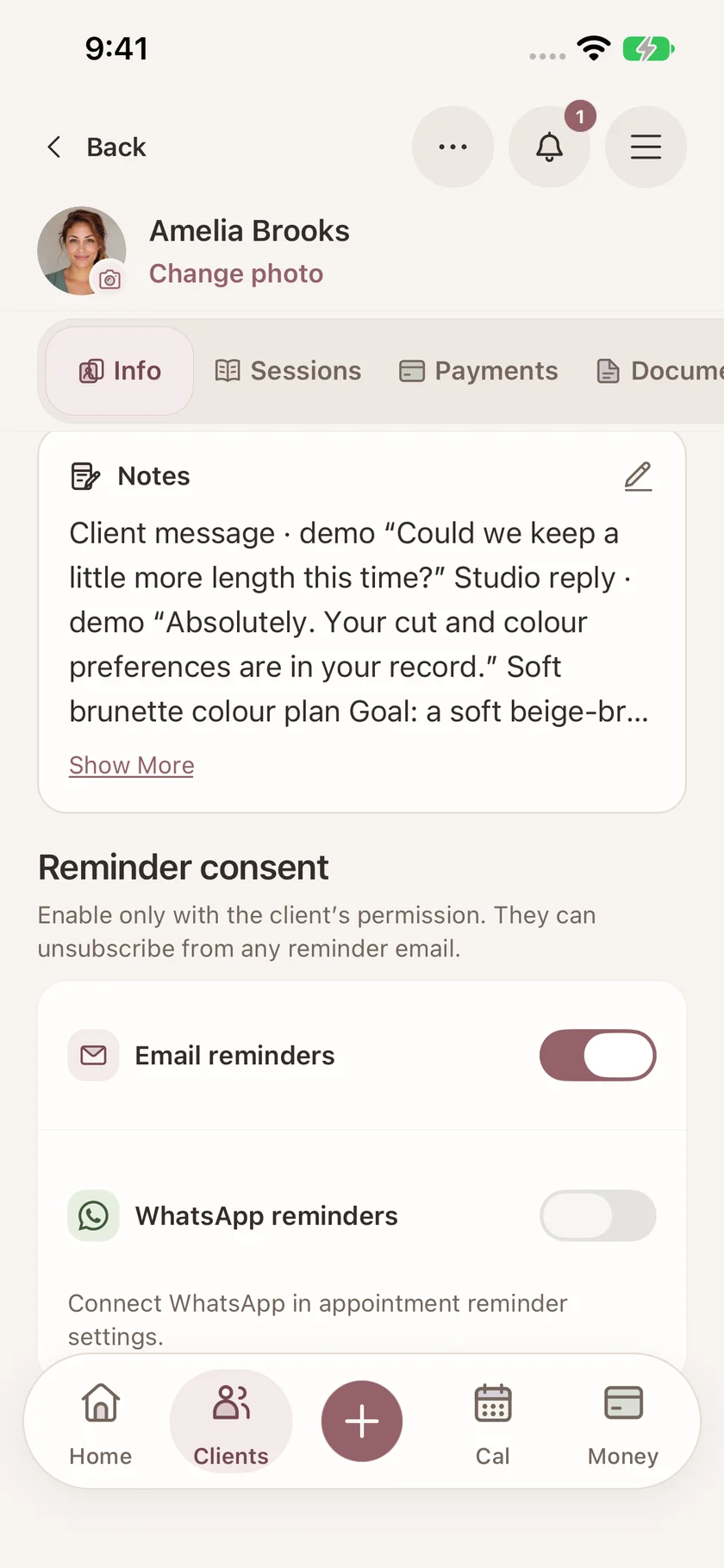
Send automatic reminders for appointments you add yourself and confirmed online bookings. Choose WhatsApp, SMS or email, with separate settings for each channel.

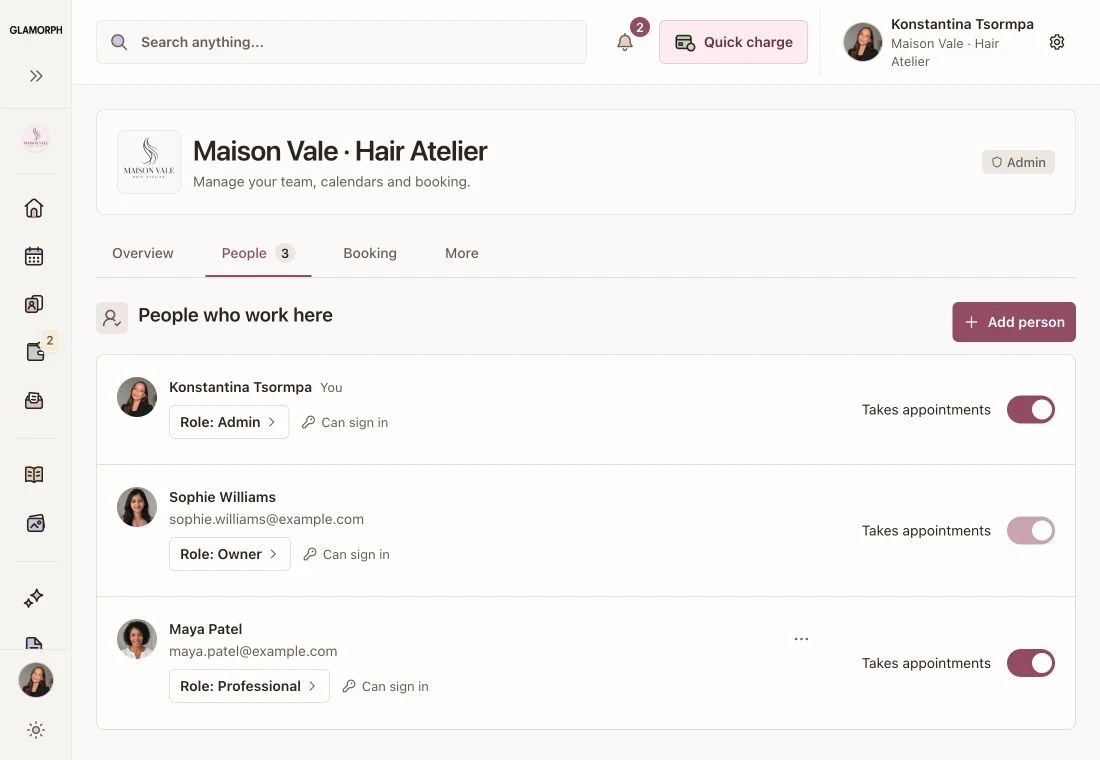
Give each team member their own login and calendar. Choose who can see client records, signed documents and financial information without sharing the owner's account.
English interface with example data
Glamorph connects bookings, client history and payments for independent hairstylists and small teams. Keep formulas, consultation notes and photos ready before each appointment.
Keep color formulas, reported sensitivities and result photos with each client's visit. Open the previous record before mixing the next formula.
Your client book is yours. It follows you if you switch chairs, salons, or go full freelance.
Track separate formulas for roots, lengths, ends, lightener and toner, with grams, ratio, developer, processing time, result and next adjustment.
Open previously synchronized client records and photos in the mobile app when a home visit has a weak connection.
Share client histories in one workspace, give each stylist a separate login and calendar, and control access to records and finances by role.
Glamorph supports booking and shared client work, but does not replace fiscal POS, inventory, payroll, complex room scheduling or enterprise multi-location systems.
Starting from €11.99 per month
One active appointment calendar with working hours, buffers, breaks and time offAfter the colour appointment is complete, set a follow-up date. When it comes due, open the client’s last formula and result photos, then contact her or book the next visit. Saving the date alone sends no message.
Yes. Record products, mixing ratios, developer and processing notes in the session, with photos of the work. Each visit keeps its own record, so you can review earlier formulas without overwriting them.
Both. Add appointments to your calendar yourself, or set up services, hours and booking rules and publish your booking page when it is ready. Online booking is optional. Confirmed bookings connect to the calendar and client history.
Yes. Connect an eligible Stripe, SumUp or Square account to collect through supported payment links, phones or terminals. Methods depend on your business country, account and device. Recording cash or another payment manually does not charge the client.
Yes. Prepare documents for in-person or remote signing and keep the finalized PDF with the client or session. You can download, print or upload existing PDFs. Documents do not require online booking. You remain responsible for suitable wording and use.
Both. Work on your own without setting up a team, or invite people to a shared workspace with separate logins and calendars. Roles control access to clients, documents, booking and financial information.
Yes. Use Glamorph on iPhone, Android and in your browser. Client records and appointment history sync across your devices when connected to the internet.
The base subscription includes core features and one active appointment calendar. Additional active calendars can cost extra. Profiles and logins alone do not count as calendars. Check the current pricing and checkout terms. Integrated collection fees are separate from recording a payment manually.